Help CenterDocumentation
Get Started with InterviewMan
Set up InterviewMan, create your account, add your CV, test every interview type in the free trial, and start using real-time interview assistance.
Last updated
Video Tutorial
How to Use InterviewMan
Quick Start Guide
1
Download the InterviewMan app
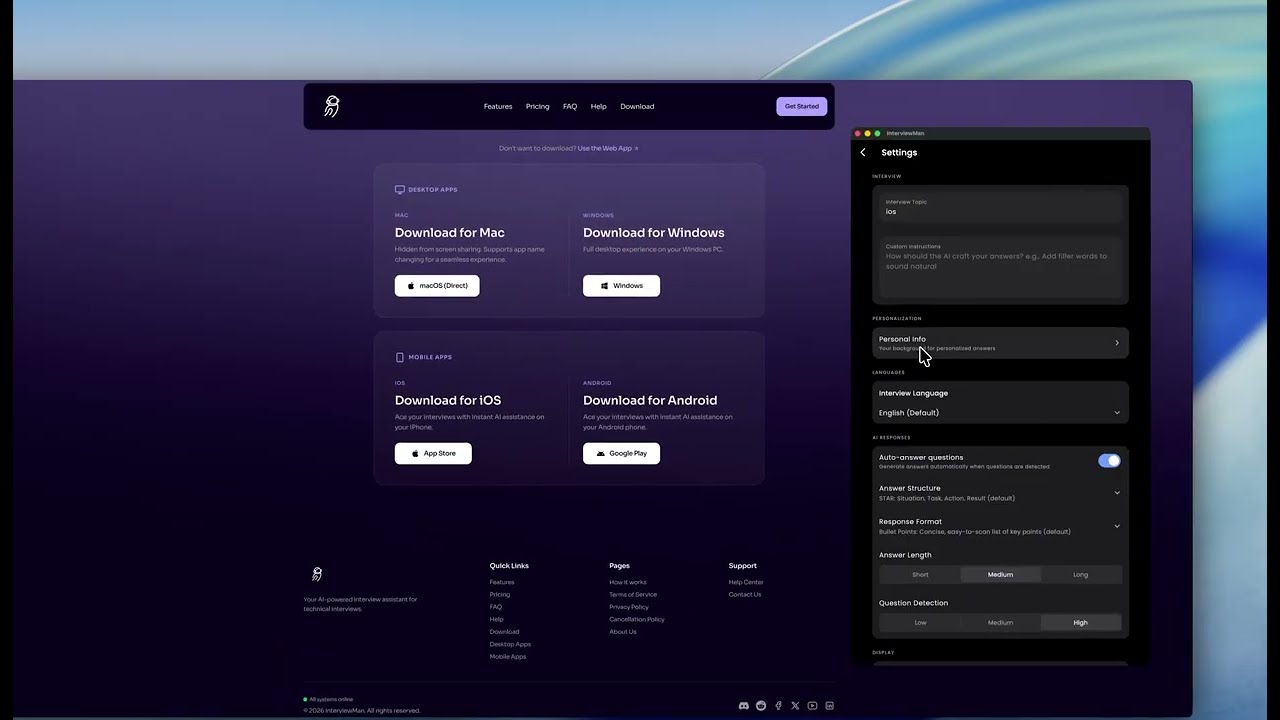
Download the Mac or Windows app from our website, or skip the install and open the web app at web.interviewman.com in Google Chrome.
2
Install the application
On Mac, move the app into your Applications folder. On Windows, open the downloaded file and follow the installer.
3
Create an account
Sign up or log in on the InterviewMan website. The free trial starts right away, with 20 free minutes and no credit card.
4
Launch and sign in
Open the app and log in with your account. Allow the microphone when asked, so the app can hear the interviewer.
5
Perform basic checks
Before subscribing, ensure you pass the basic checks
6
Add your CV
Go to Settings → Resumes and upload your CV as a PDF, or add it by hand. This is what makes every answer about your own experience. You can add the job description in Custom Instructions.
7
Pick your languages and answer style
Set the interview language and the answer language (supported languages), then pick a structure like STAR and a format like Bullet Points (answer style).
8
Test it in the free trial
Ask one question of each type you expect (behavioral, system design, coding, HR) and check the speed and that the answer uses your CV. Follow the free-trial test, or watch the demo video below.
9
Pick a mode
Standard Mode is enough for Zoom, Teams and Google Meet calls. Use Stealth Mode for coding tests and exam platforms. See Normal vs Stealth Mode.
10
Subscribe to InterviewMan
When the test passes, choose a plan in the app: $30 per month, or $12 per month billed yearly. Every plan has unlimited minutes. See pricing.
11
All done
Start acing your interviews!
Live Demo
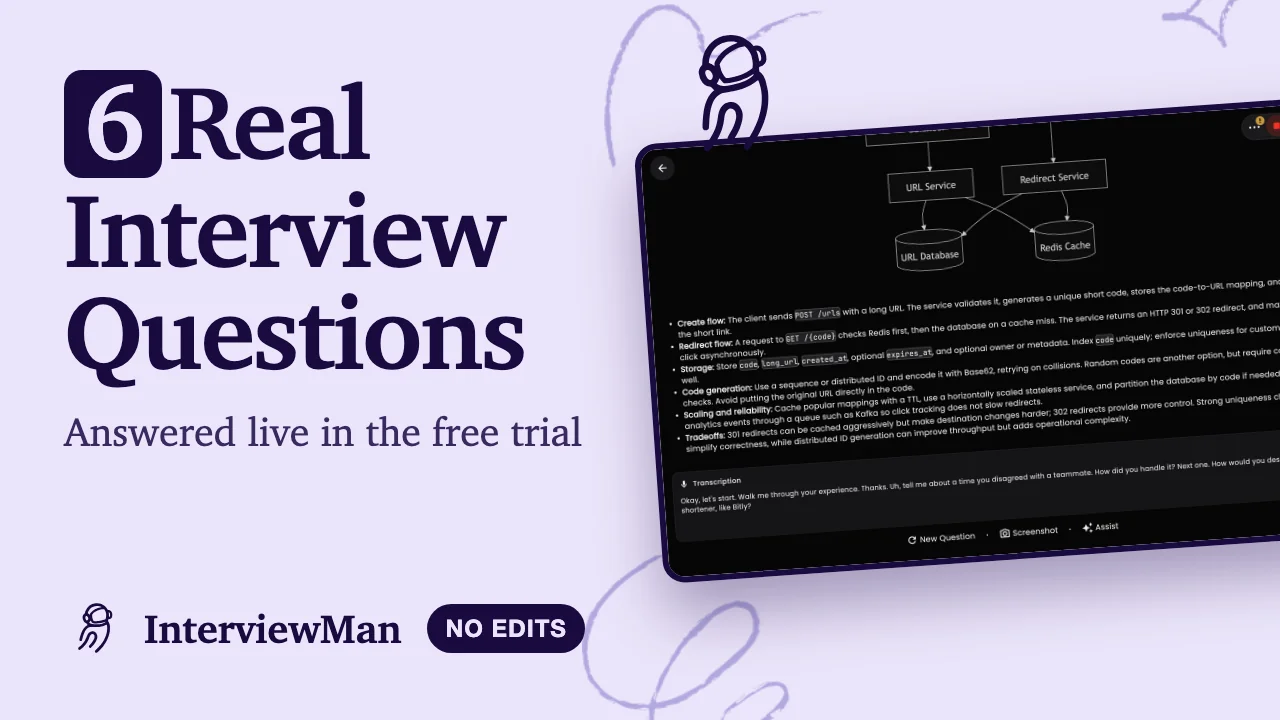
6 Real Interview Questions Answered Live in the Free Trial