
Test InterviewMan in the Free Trial Before You Pay
A step-by-step plan to test InterviewMan in the free trial (20 free minutes, no credit card): set up your CV, ask a question for every interview type, check the speed, and confirm Stealth Mode before you pay.
Last updated
6 Real Interview Questions Answered Live in the Free Trial
The short version
The free trial includes the real engine, every interview type and Stealth Mode, and needs no credit card. So you can prove the tool is worth it before you pay. The whole test fits easily inside the 20 free minutes and checks three things:
• Speed: how many seconds pass between the question and a usable answer on screen.
• Accuracy: whether the answer is correct and specific to you, not a generic paragraph.
• Privacy: whether the window stays hidden when you share your screen on Zoom, Microsoft Teams or Google Meet.
Step 1: Start the trial (no credit card)
Create your account, {DOWNLOAD_LINK} for Mac or Windows (or open the web app at web.interviewman.com), and start the free trial. You are not asked for a card. The trial gives you 20 free minutes, which is enough for this test.
Step 2: Set it up like your real interview
Spend one minute on setup so the test reflects your actual interview:
• Interview language (the language the interviewer speaks) and answer language (the language the answer is written in). They can match or differ.
• Answer style. Pick a structure like STAR (Situation, Task, Action, Result, a simple way to tell a story about past work) and the Bullet Points format, so answers are easy to glance at. See {ANSWER_STYLE_LINK}.
• Your CV. Go to Settings → Resumes and upload your CV as a PDF, or add it by hand. You can also paste the job description into Custom Instructions. This is what makes the answer about you. See {CONFIG_LINK}.
Step 3: Test every interview type
Play interviewer. Ask one question out loud for each type you expect, and watch the answer appear:
• Behavioral (how you handled past situations): "Tell me about a time you disagreed with a teammate."
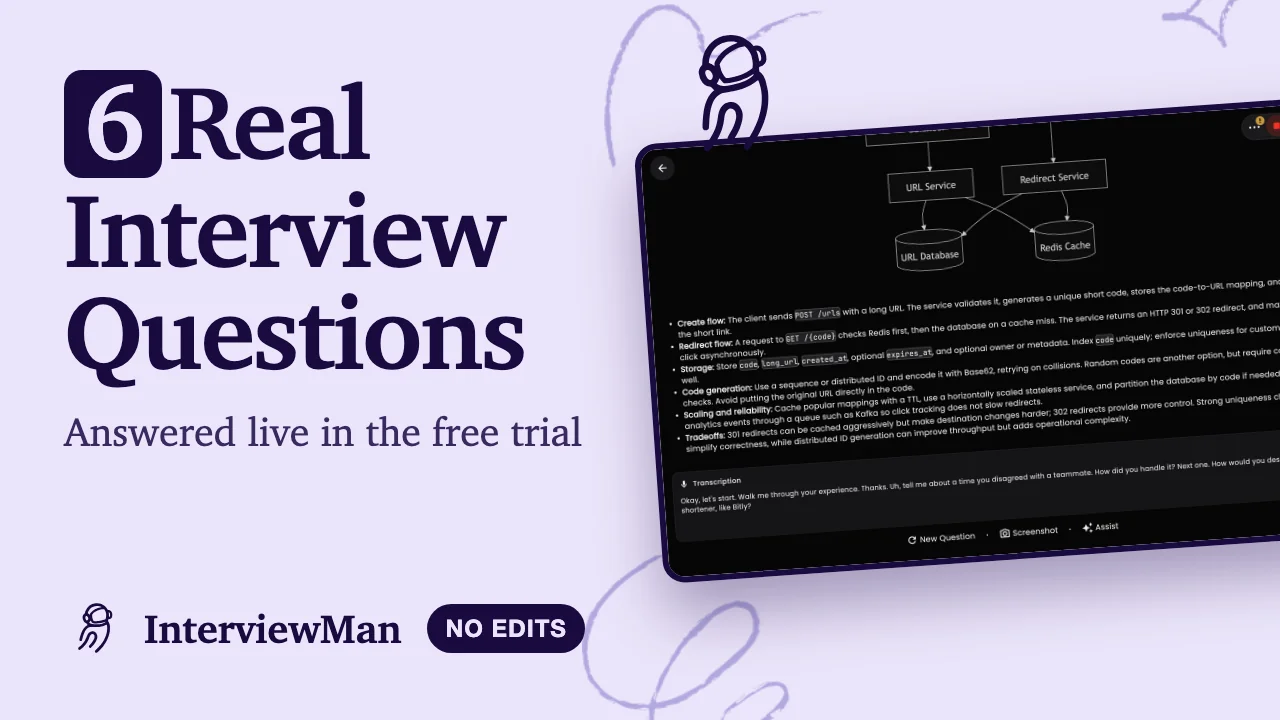
• System design (designing a large software system): "How would you design a URL shortener?" See {SYSTEM_DESIGN_LINK}.
• Coding and LeetCode (timed programming problems): "Find the longest substring without repeating characters."
• Multiple choice (A, B, C, D options): read out the options; the answer gives the correct letter first.
• Non-technical and HR: "Why do you want this job?" The answer stays short and natural.
Step 4: Check that the answer matches your CV
This is the step most people skip, and it is the one that proves value. Ask: "Walk me through your experience." The answer should name your real roles, years and projects, because you added your CV in Step 2. Remove the CV and ask again: the answer gets generic. That difference, on your own screen, is the proof.
Step 5: Test the speed
Watch the clock. From the end of the question to a usable answer, a live tool has to be fast, because on camera the interviewer sees the pause. Ask three questions in a row and notice how quickly the transcription appears at the bottom and the answer streams in at the top. If you could start talking within a second or two, it works for a real call.
Step 6: Confirm it stays hidden
Open Zoom, Microsoft Teams or Google Meet, start "Share screen", and share your whole screen. InterviewMan's window does not appear in what you share. That is Stealth Mode: the app shows text in a private window that is left out of screen sharing, so the interviewer never sees it. Confirm it yourself before you rely on it. More detail is in {UNDETECTABILITY_LINK}.
Still deciding?
If the six steps pass, every paid plan gives you unlimited minutes, all interview types and Stealth Mode. Not sure which setup fits your interview? Contact support.