
Make the AI Answer in Your Style: Templates and Custom Instructions
Pick an answer structure (STAR, CAR, SOAR, PAR or SOARA), a response format (Bullet Points, Conversational or Example-Driven) and an answer length, or write your own template in Custom Instructions.
Last updated
The short answer
You have two options:
• Built-in templates: go to Settings → AI & Answers and pick a structure, a format and a length.
• Your own template: go to Settings → Custom Instructions and type exactly how you want answers written.
Option 1: Built-in templates
Open Settings → AI & Answers. There are three settings:
• Answer Structure: STAR, CAR, SOAR, PAR or SOARA. These are ways to tell a story about your past work. They are great for behavioral questions ("Tell me about a time when...").
• Response Format: Bullet Points, Conversational or Example-Driven.
• Answer Length: Short, Medium or Long.
What the structure letters mean:
• STAR: Situation, Task, Action, Result. The most common one.
• CAR: Challenge, Action, Result. A shorter STAR.
• SOAR: Situation, Obstacle, Action, Result. Good when the story is about a problem you got past.
• PAR: Problem, Action, Result. Short and direct.
• SOARA: Situation, Objective, Action, Result, Aftermath (what you learned or what happened next).
Option 2: Your own custom template
Go to Settings → Custom Instructions and type how you want every answer formatted. It applies to every answer automatically. For example:
Always answer in 3 bullet points: approach, example, result.
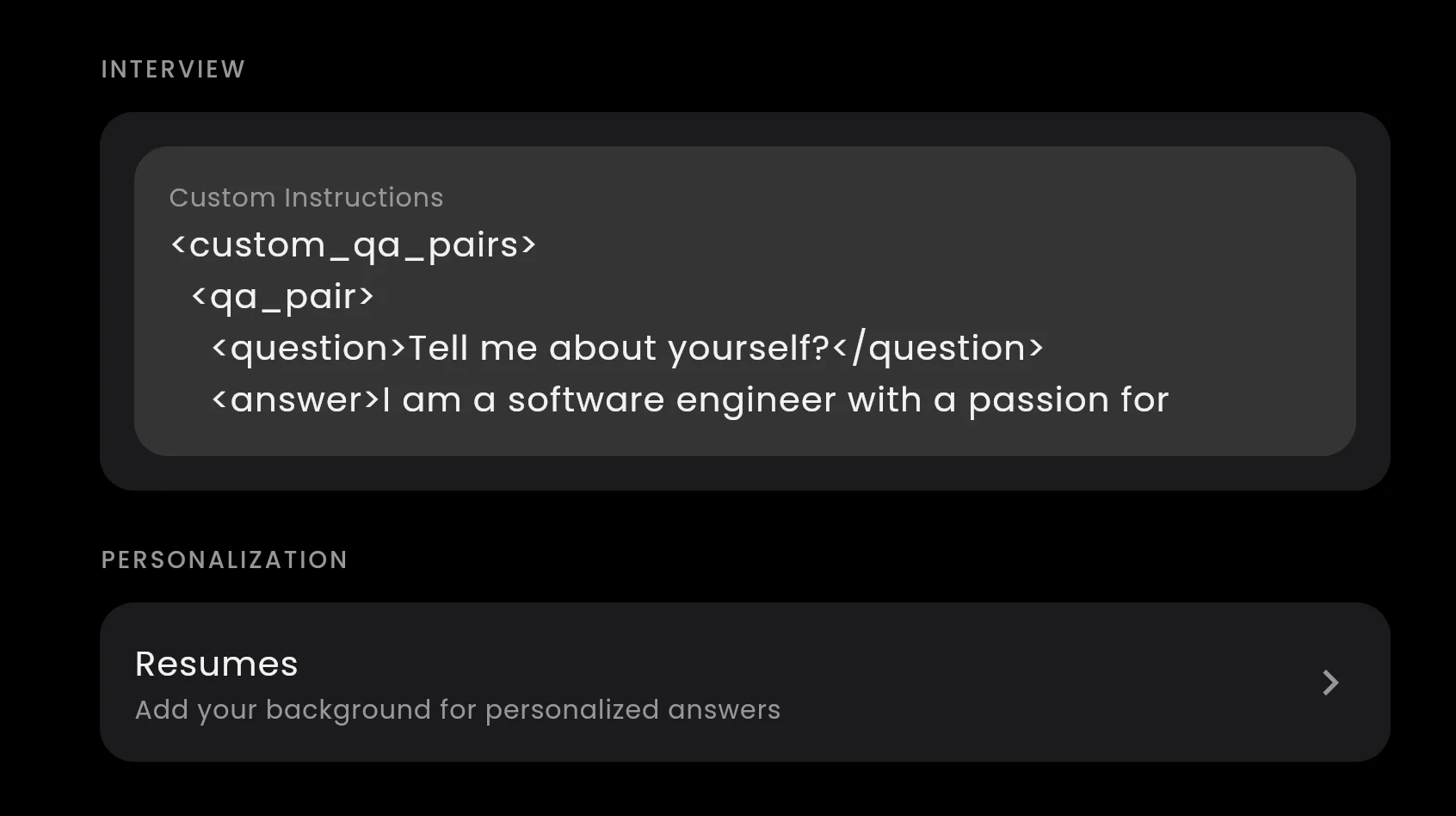
Custom Instructions in the app settings. Whatever you type here applies to every answer.
You can also paste your own example answers so the AI copies your style. See Custom Answers and Flexible Custom Settings.
Bullet points or conversational?
This is the question we get most. Our suggestion:
• Behavioral interviews: STAR with Bullet Points. Each bullet is one short idea you can glance at and then say in your own words.
• System design interviews: Bullet Points with a Medium or Long length. Design answers have many parts (requirements, components, trade-offs), and bullets keep them easy to scan.
• Conversational fits when you want full sentences you can say almost as they are, for example in a short HR call.
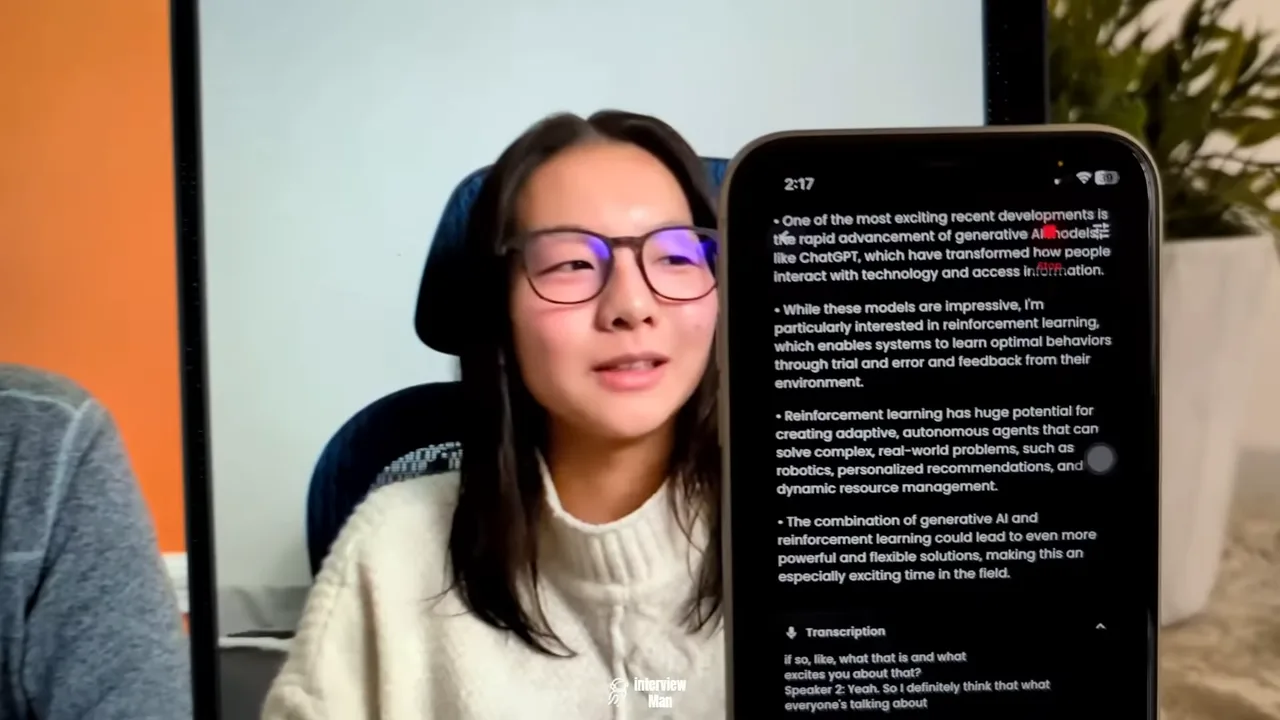
Bullet Points format in a live interview: short ideas you can glance at, not a script to read.
How to not look like you are reading
Interviewers notice when your eyes move left to right across the screen, line by line. A few habits help:
• Use bullet points and a Short length. Read one bullet, look back at the camera, and say it in your own words.
• Keep the app near your camera. Put the window at the top of the screen, close to the webcam, so your eyes stay near the lens.
• Pause before you answer. "Good question, let me think" is normal and gives you a second to glance at the answer.
• Practice once. Do a short mock call with a friend and try your settings before the real interview.
Still need help?
Not sure which settings fit your interview? Contact support.